


Features




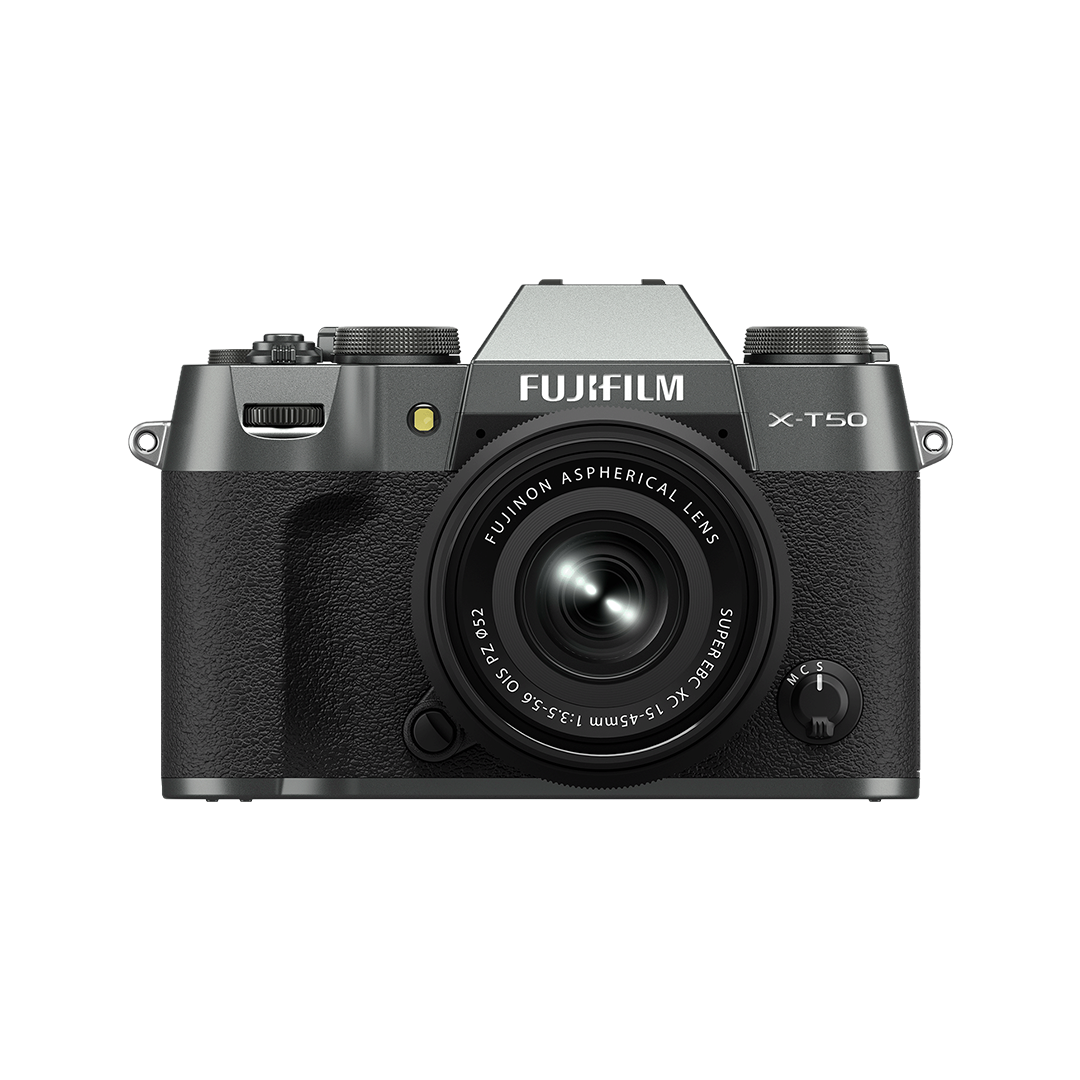
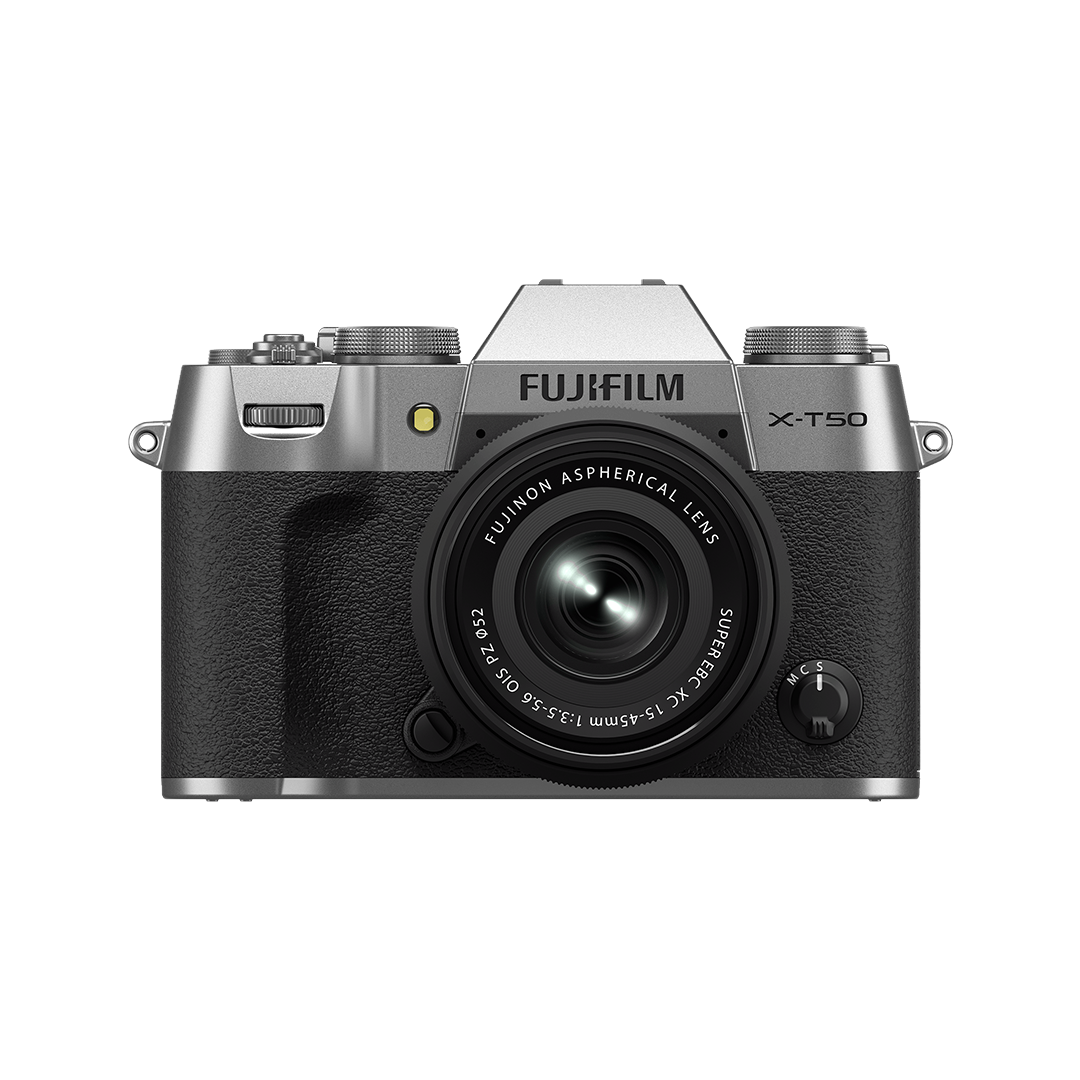
FUJIFILM X-T50 MIRRORLESS


Features
Pairs well with
If you have any questions, you are always welcome to contact us. We'll get back to you as soon as possible, within 24 hours on weekdays.
-
Information
Share contact information, store details, and brand content with your customers.
-
Shipping Information
Use this text to answer questions in as much detail as possible for your customers.
-
Customer Support
Use this text to answer questions in as much detail as possible for your customers.

Multiple Exposure

White Balance
Improved Features
FUJIFILM X-T50 has further enhanced its features such as autofocus and ISO sensitivity when compared to its predecessor FUJIFILM X-T30 II.


Updated AF Algorithm

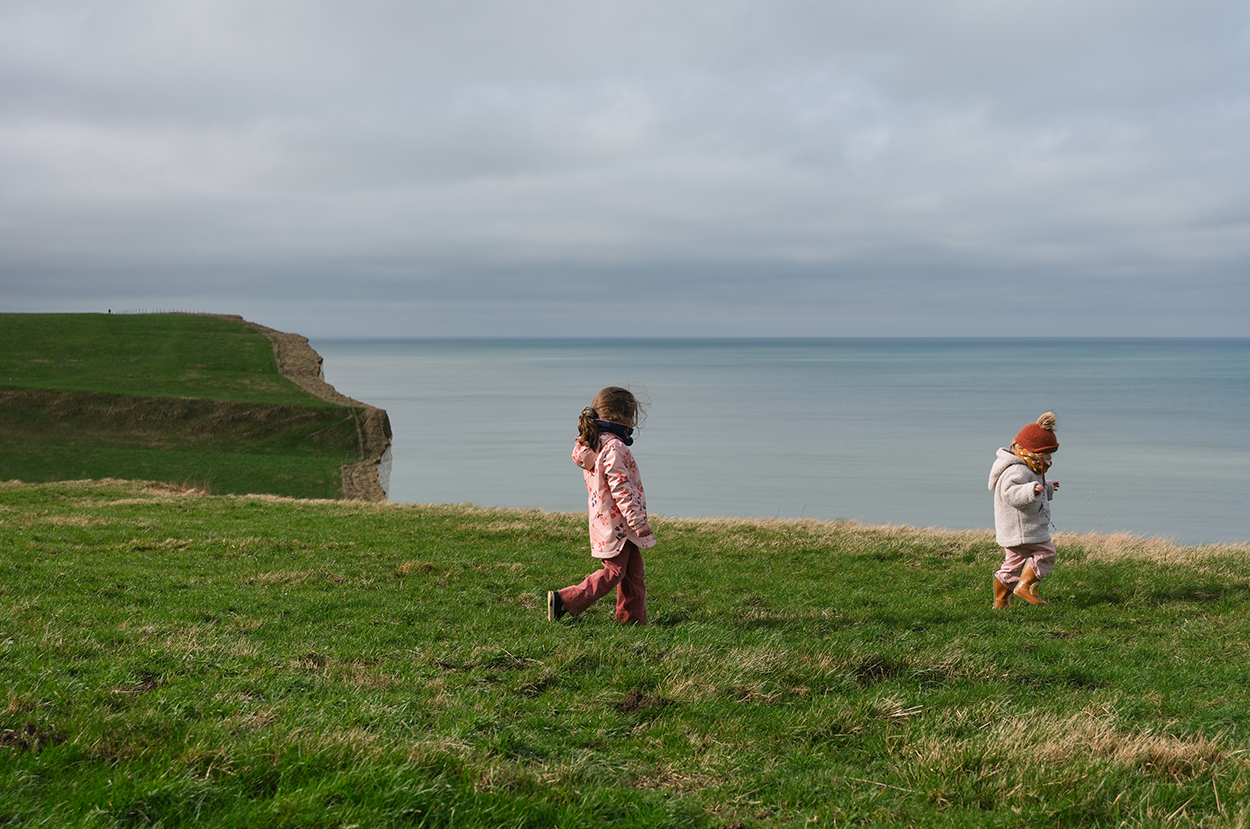
Cutting-Edge Image Quality


Classic Design
Electronic Viewfinder
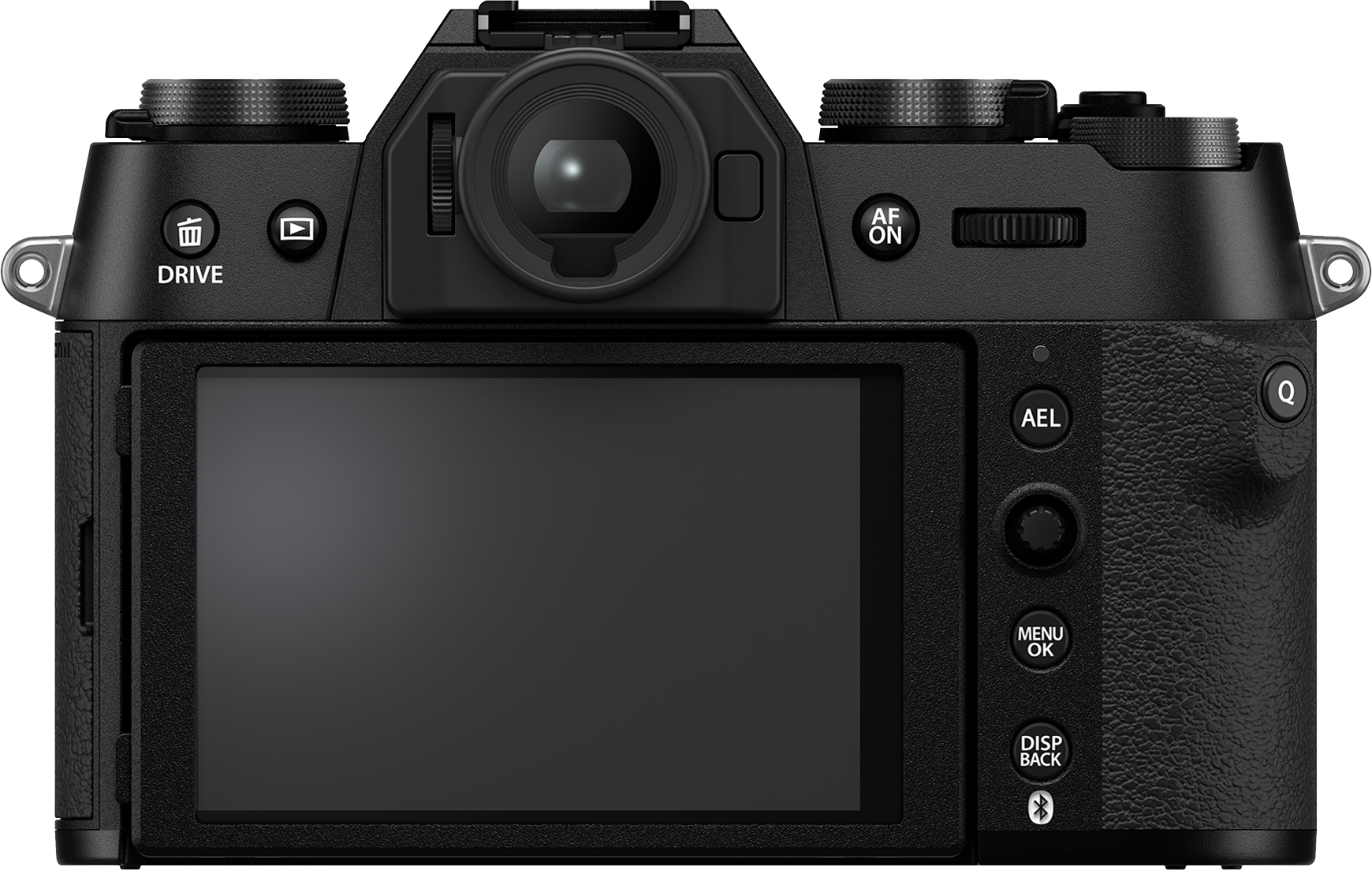
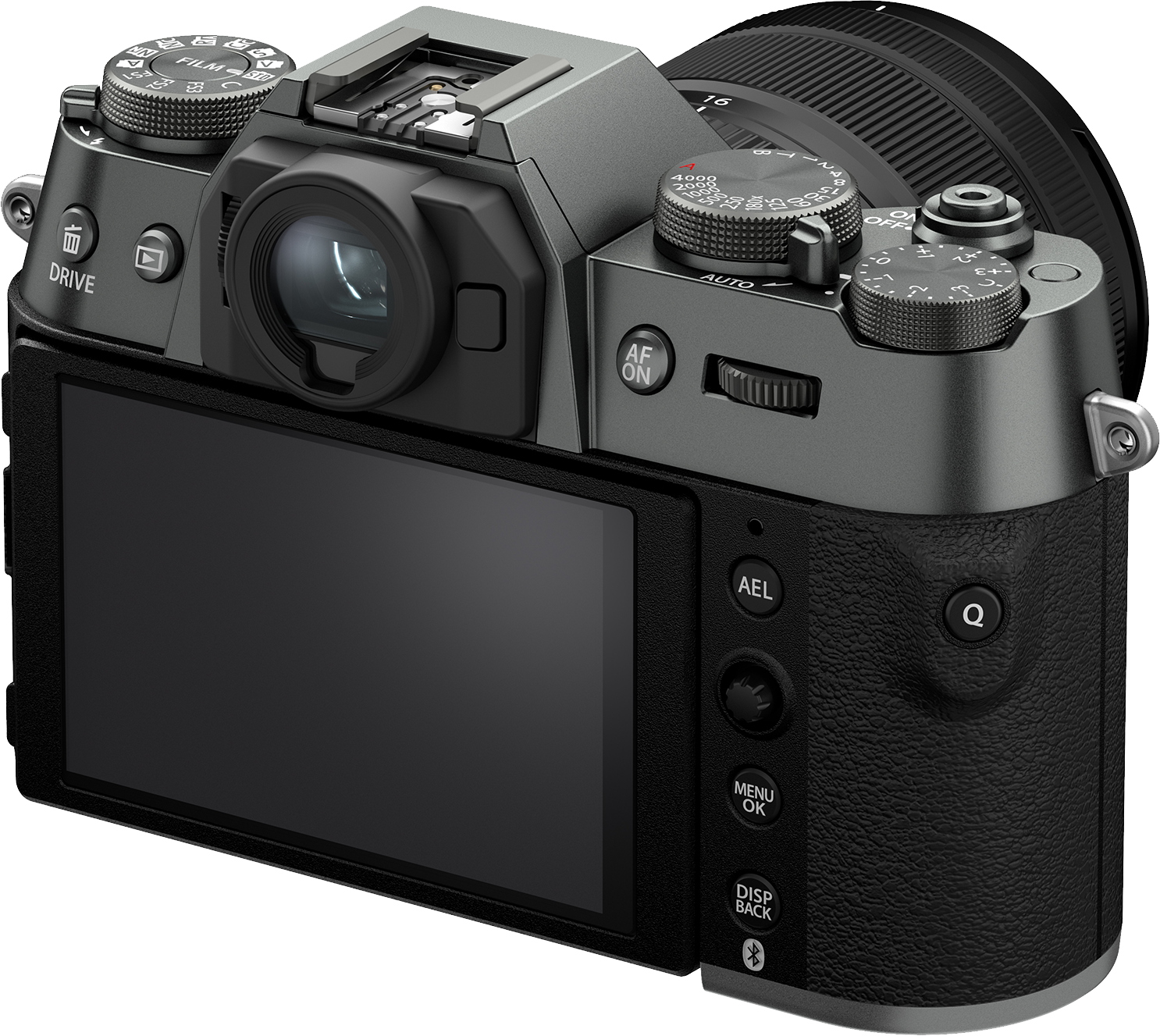
FUJIFILM X-T50 features a 2.36 million dot electronic viewfinder (EVF) with a 0.62x magnification ratio. The specially designed lens elements provide a high-definition live view, and includes an adjustable diopter control to provide a truly comfortable experience.


Subject Detection Autofocus

Film Simulation


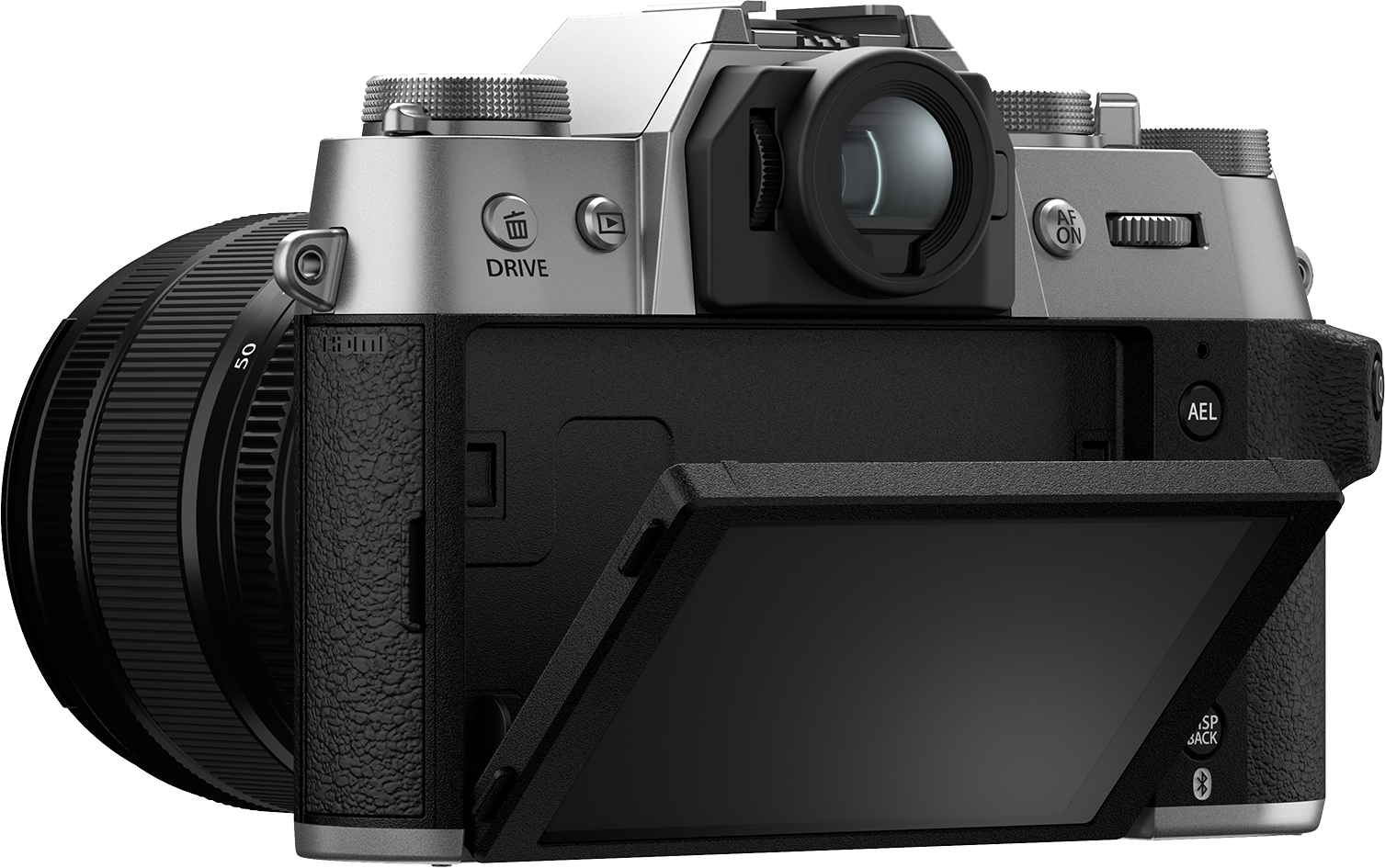
Tilting LCD

Expanding Your Creativity
S/N Level / Low-Light Power
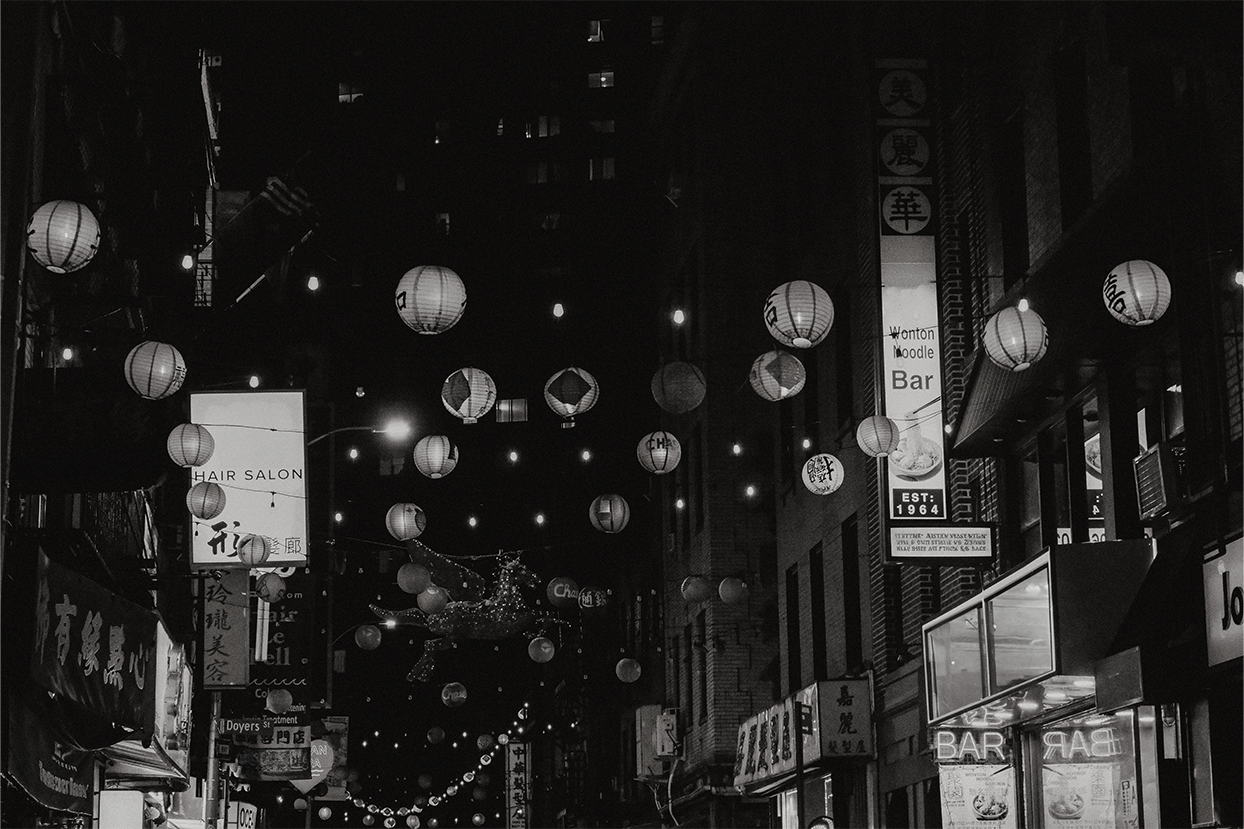
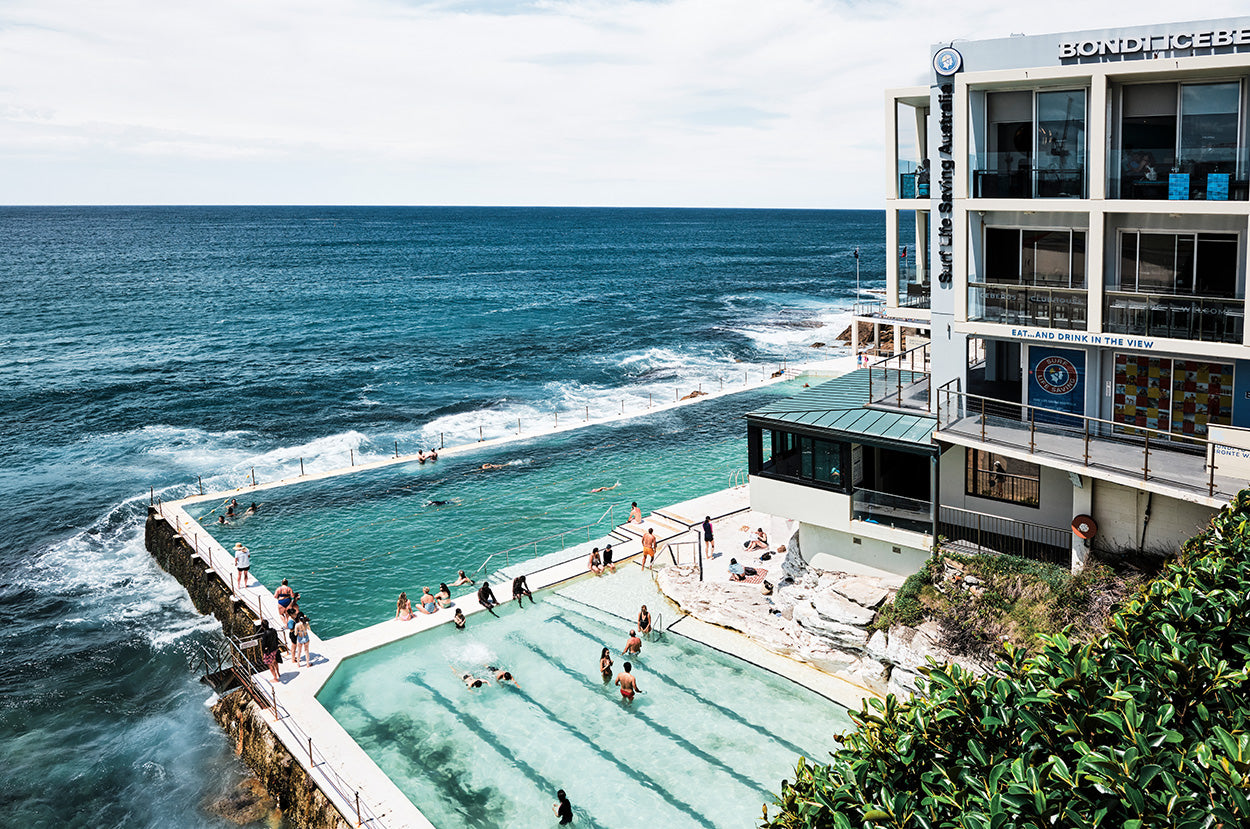

Film Simulation Dial
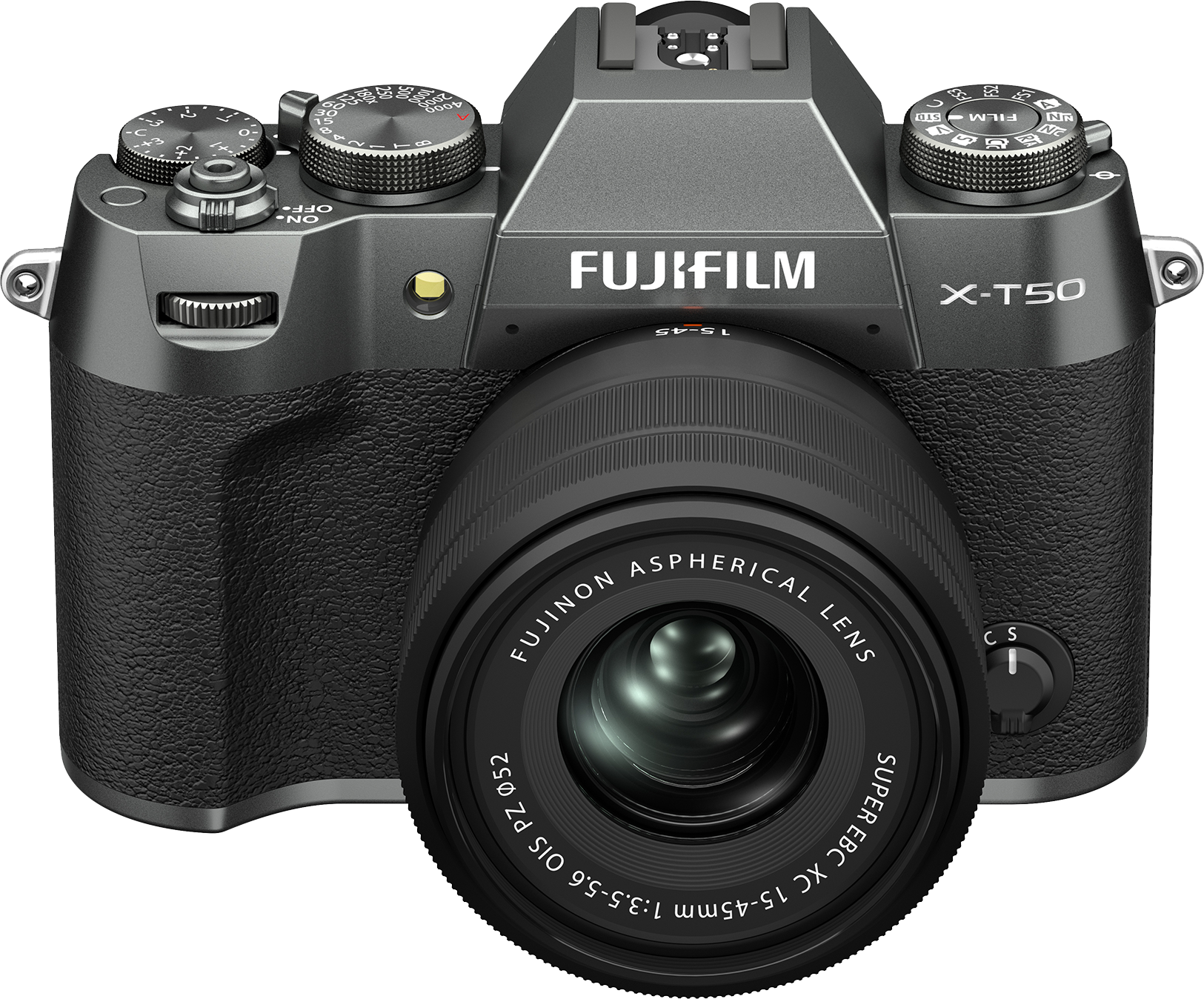
FUJIFILM X-T50 features an all-new Film Simulation dial on the top plate. Choosing the Film Simulation has never been easier. It is as simple as turning the dial. There are 20 Film Simulation modes to choose from, including the latest “REALA ACE”. Enjoy our color science that we have cultivated since our establishment in 1934.

ISO 125 Standard Sensitivity

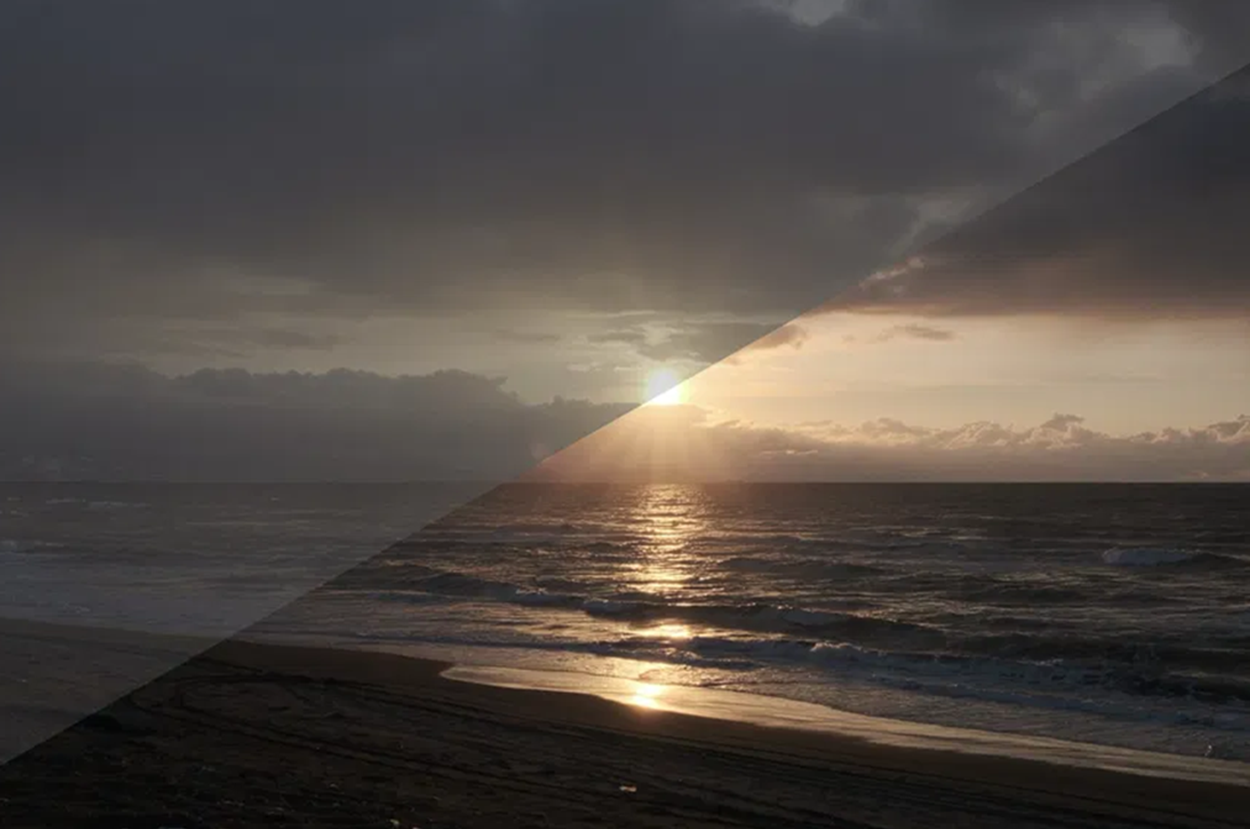
Specs
Description
A compact powerhouse built for creators, the Fujifilm X-T50 combines stunning image quality, iconic film simulations, and advanced video capabilities in a lightweight body.
Weight
- Including Battery and Memory Card - Approx. 389g
- Excluding Battery and Memory Card - Approx. 389g
Operation Environment
- Operating Temperature - 0℃~+40℃
- Operating Humidity - 10%~80% (no condensation)
Dimensions
- Width - 123.8mm
- Height - 84mm
- Depth - 48.8mm
- Minimum Depth-34.2mm
Power Supply
- Battery life for Still Images - Economy Mode: Approx. 390 frames, Normal Mode: Approx. 305 frames, Notes: *When XF35mmF1.4 R is set
- Actual Battery Life of Movie Capture - 6.2K: Approx. 45min. (29.97p), 4K: Approx. 45min. (59.94p), Full HD: Approx. 45min. (59.94p), Approx. 50min. (120p), Notes: *Face detection is set to OFF
- Continuance Battery Life of Movie Capture - 6.2K: Approx. 70min. (29.97p), 4K: Approx. 70min. (59.94p), Full HD: Approx. 80min. (59.94p), Notes: *Face detection is set to OFF, *Approximate number of frames or movie recording time that can be taken with a fully-charged battery based on CIPA Standard
Terminal
- Digital interface - USB Type-C (USB3.2 Gen2x1)
- HDMI Output - HDMI Micro connector (Type D)
- Others - ø3.5mm, stereo mini connector (Microphone), Hot shoe
Wireless Transmitter
- Standard - IEEE802.11a/b/g/n/ac (standard wireless protocol)
- Encryption - WPA/WPA2 mixed mode, WPA3
- Access mode - Infrastructure
Bluetooth
- Standard - Bluetooth Ver. 4.2 (Bluetooth low energy)
- Operating frequency (Center frequency) - 2402〜2480MHz
Self-timer
- Still - 10sec., 2sec.
- Movie - 10sec., 5sec., 3sec.
White Balance
- Auto - White Priority, Auto, Ambience Priority
- Custom - Custom 1, Custom 2, Custom 3
- Color Temperature Selection - 2500K~10000K
- Preset - Daylight, Shade, Fluorescent Light-1, Fluorescent Light-2, Fluorescent Light-3, Incandescent Light, Underwater
Dynamic Range Setting
- Still - AUTO, 100%, 200%, 400%
- ISO restriction (Still) - DR100%: No limit, DR200%: ISO250 or more, DR400%: ISO500 or more
- Movie - 100%, 200%, 400%
- ISO restriction (Movie) - DR100%: No limit, DR200%: ISO250 or more, DR400%: ISO500 or more
Grain Effect
- Roughness - STRONG, WEAK, OFF
- Size - LARGE, SMALL
Movie Recording
- MOV - HEVC/H.265, Linear PCM (Stereo sound 24bit / 48KHz sampling)
- MOV - MPEG-4 AVC/H.264, Linear PCM (Stereo sound 24bit / 48KHz sampling)
- MP4 - MPEG-4 AVC/H.264, AAC
- Movie Compression - All Intra
- 6.2K (16:9) - File size 6240 x 3510, Frame rate 29.97p / 25p / 24p / 23.98p, Bitrate 360Mbps / 200Mbps / 100Mbps / 50Mbps
- DCI4K HQ (17:9) - File size 4096 x 2160, Frame rate 29.97p / 25p / 24p / 23.98p, Bitrate 360Mbps / 200Mbps / 100Mbps / 50Mbps
- 4K HQ (16:9) - File size 3840 x 2160, Frame rate 29.97p / 25p / 24p / 23.98p, Bitrate 360Mbps / 200Mbps / 100Mbps / 50Mbps
- DCI4K (17:9) - File size 4096 x 2160, Frame rate 59.94p / 50p / 29.97p / 25p / 24p / 23.98p, Bitrate 360Mbps / 200Mbps / 100Mbps / 50Mbps
- 4K (16:9) - File size 3840 x 2160, Frame rate 59.94p / 50p / 29.97p / 25p / 24p / 23.98p, Bitrate 360Mbps / 200Mbps / 100Mbps / 50Mbps
- Full HD (17:9) - File size 2048 x 1080, Frame rate 59.94p / 50p / 29.97p / 25p / 24p / 23.98p, Bitrate 360Mbps / 200Mbps / 100Mbps / 50Mbps
- Full HD (16:9) - File size 1920 x 1080, Frame rate 59.94p / 50p / 29.97p / 25p / 24p / 23.98p, Bitrate 360Mbps / 200Mbps / 100Mbps / 50Mbps
- Full HD (17:9) High Speed Rec. - File size 2048 x 1080, Frame rate 240p / 200p / 120p / 100p, Bitrate 360Mbps / 200Mbps (recording)
- Full HD (16:9) High Speed Rec. - File size 1920 x 1080, Frame rate 240p / 200p / 120p / 100p, Bitrate 360Mbps / 200Mbps (recording)
Touch Screen Mode
- Shooting Mode - Shooting, AF, Focus Area, OFF, Double Tap Setting (ON/OFF), Touch Function Setting (ON/OFF), Touch Zoom (ON/OFF), EVF Touch Screen Area Setting
- Playback Mode - Swipe, Pinch-in / Pinch-out, Double-tap, Drag
Origin & Manufacturer
- Country of Origin China
- Name of Manufacturer Fujifilm Corporation
- Address of Manufacturer 26-30, Nishiazabu, 2- Chome, Minato-Ku, Tokyo - 1068620, Japan
- Name & Address of Importer FUJIFILM India Private Limited Business Centre Office No. 521, Level V, Caddie Commercial Tower, Hospitality District Aerocity, IGI Airport, New Delhi - 110037
Included in the Box

Quick Start Guide

Camera

Lens

Shoulder Strap

Lens hood


FAQs
Please read our FAQs page to find out more.
Which Fujifilm camera is best suited for beginners or casual photographers?
The X-T30 III is ideal for classic manual dials and portability, while the X-S20 offers a modern DSLR-style grip with built-in stabilization. For pure point-and-shoot simplicity with a fixed lens, look at the X100VI.
What are Film Simulation modes and how do they work?
Film Simulations are in-camera color profiles that replicate classic photographic film stocks (like Velvia or Across). They adjust contrast, skin tones, and grain directly in-camera to deliver stylized, production-ready JPEGs without photo editing.
Can Fujifilm cameras be used for professional video production?
Yes. Advanced models like the X-H2S, X-H2, and X-T5 record up to 8K 30pand 6.2K 30p Open Gate, 4K 120p & FHD 240p (HFR) resolution, support Apple ProRes 4:2:2 10Bit, offer F-Log2 & F-Log2C profiles for maximum dynamic range, color space and feature full-size HDMI ports for external monitors.
Are Fujifilm lenses interchangeable across different models?
Lenses are interchangeable within the same system mount:
- X-Mount aka XF Lenses: Fits all interchangeable APS-C X-Series bodies.
- G-Mount aka GF Lenses: Exclusive to GFX Medium Format bodies.
- Fixed Lenses: Models like the X100 series feature permanently attached prime lenses.
How do I connect my Fujifilm camera to a smartphone or computer for transferring photos and remote control?
- Smartphone: Connect via Bluetooth/Wi-Fi using the FUJIFILM X App for wireless transfer and live remote control, or plug in directly via USB-C.
- Computer: Transfer files using an SD card reader or USB-C cable.
- XRaw Studio: FUJIFILM X RAW STUDIO and camera via USB cable, the processor in the camera will be used to process RAW files.
What is the difference between the Fujifilm X Series and GFX?
The X Series uses an APS-C sensor for everyday to professional photography, while the GFX System uses a much larger medium-format sensor built for high-resolution studio and landscape work.
Are Fujifilm cameras mirrorless?
Yes. Fujifilm's entire current lineup, including the X Series, GFX System and fixed-lens models, is mirrorless.
Which Fujifilm camera is best for beginners?
An entry-level X Series body with a kit lens is generally the easiest starting point, offering simple controls with room to grow into manual settings.